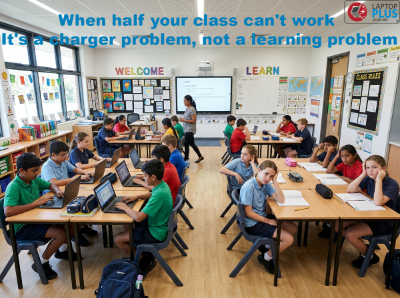
Schools are back for Term 3, and with that comes the inevitable wave of laptop charger failures, dead batteries and missing accessories that disrupts classrooms every single term. For Australian school IT coordinators and procurement managers, this is a familiar and frustrating problem. In this article, we explore why cheap replacements and OEM parts aren't the answer, and how taking a smarter, more proactive approach to laptop accessory management can keep every student powered and learning from day one.
This article covers three main sections:
1- Why your laptop model number matters — explains voltage, wattage and connector differences and why using the wrong charger is risky
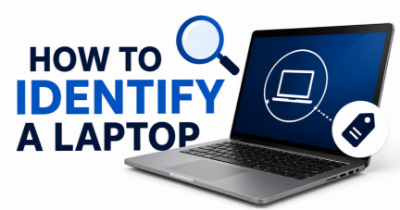
2- 3 easy ways to find your laptop model — System Information (Windows), sticker on the bottom, and manufacturer website lookup tools for Dell, Apple, HP, Lenovo, Toshiba and Microsoft Surface — including the note that System Information may be inaccurate if the OS is not the original manufacturer installation
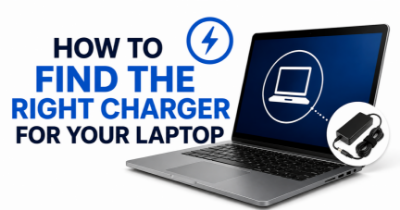
3- How to find your compatible charger or battery — directs readers to laptopplus.com.au/identify-your-laptop with a clear call to action
EOFY tax deductions tech Australia, laptop accessories EOFY sale, ergonomic laptop accessories Australia, EOFY 2026 tech deals, laptop charger EOFY Australia, buy laptop accessories before June 30
The article covers three main sections:
Why your laptop model number matters, explains voltage, wattage and connector differences and why using the wrong charger is risky
3 easy ways to find your laptop model.
System Information (Windows), sticker on the bottom, and manufacturer website lookup tools for Dell, Apple, HP, Lenovo, Toshiba and Microsoft Surface
How to find your compatible charger or battery, directs readers to laptopplus.com.au/identify-your-laptop with a clear call to action
In this article we talk about the ways to get the best result from your laptop battery. and how to condition laptop plus battery when a new battery is installed.